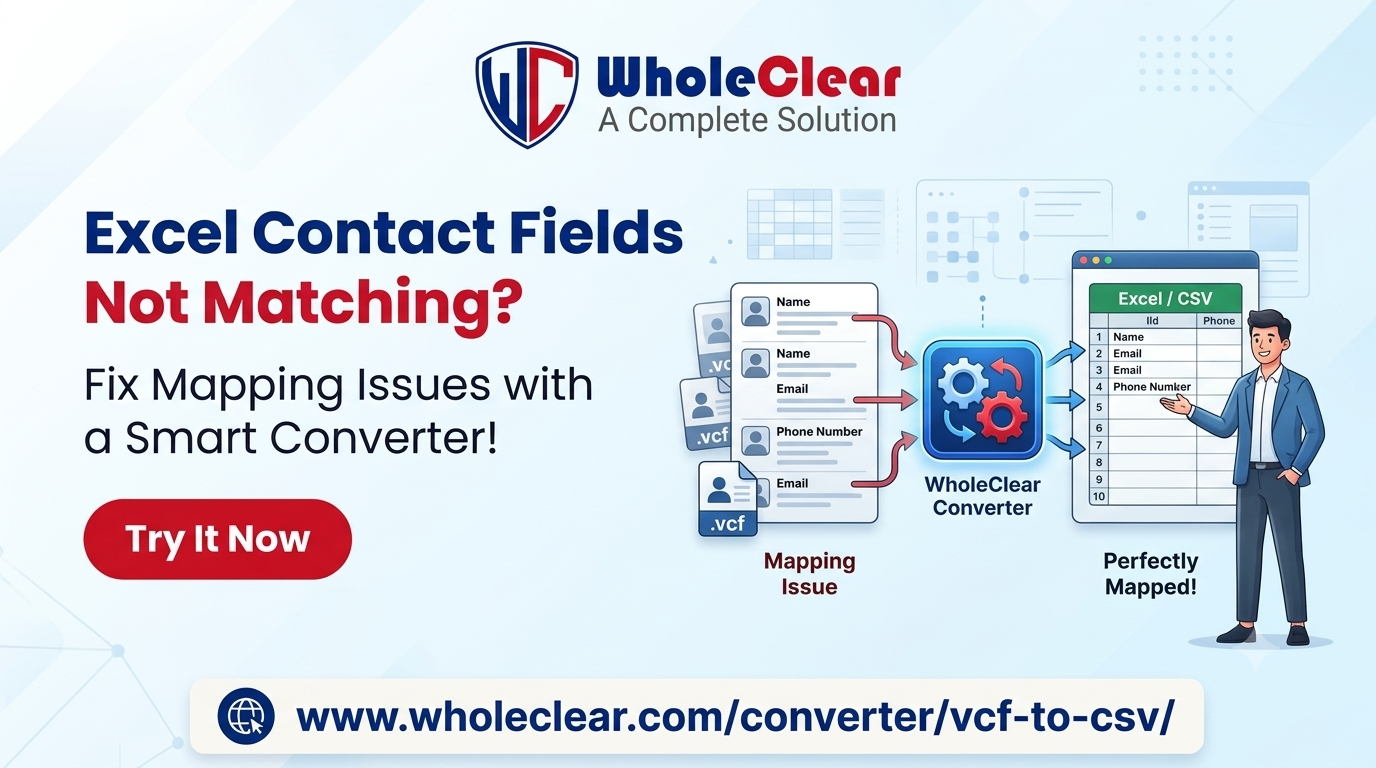
Excel Contact Fields Not Matching? Fix Mapping Issues with a Smart Converter!
London, United Kingdom · Condition: New · Views: 4
Description
Are your contact name, phone number, email address, or other contacts placed in the wrong column in Excel? Incorrect contact formatting after VCF to CSV conversion can make data management confusing and time-consuming. The better solution is to use a reliable VCF to CSV converter.
The WholeClear VCF to CSV Converter can export many vCard files into the CSV format much more simply. It supports bulk VCF conversion, allowing thousands of contact files to be processed together. With the preview feature available in this tool, one can validate the contact information before performing the conversion, and the exclusion of empty columns from the exported spreadsheet will keep it simple. It also preserves important contact properties, including names, phone numbers, addresses, images, and links. No need for Outlook installation.
Simplify contact management using the VCF to CSV Converter. It is compatible with Windows, Mac OS X, and Linux and provides an easy method of organizing your VCF contacts into CSV format. Download the free demo to explore its features and make contact data management easier!
Visit here:https://www.wholeclear.com/converter/vcf-to-csv/